
Title – RATS!
System – Commodore 64
Author – Mike Steed
Publication – COMPUTE! Issue 038, July 1983
Page Scans – 1 2 3 4 5
Preserved by – eboy71
Recommended Emulator – VICE
Loading the Game –
- Mount the disk image (Compute 038 – RATS.d64) in your emulator. In VICE, this is done by selecting File → Attach Disk Image
- Load the app by typing LOAD”RATS-LOADER”,8,1
- Once loaded, type RUN to start
Game Instructions –
- RATS! is a 3-D maze game. You start at a random location in the maze, and your goal is to escape.
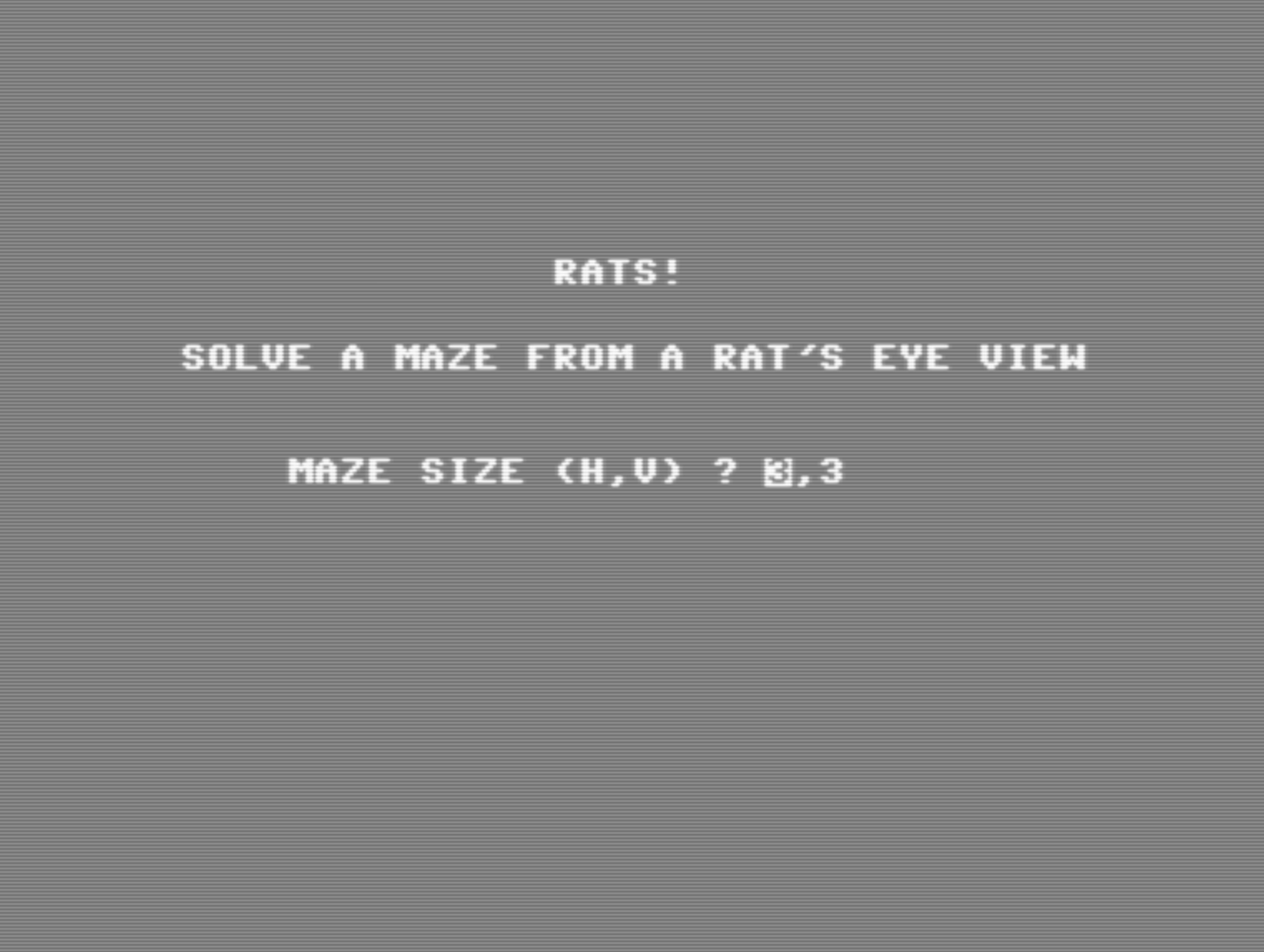
- The first thing you will be asked to do is to select the size of your maze. The game defaults at 3×3 and you can make it as large as 15×15. Once you have selected the dimensions, the game will then create the maze and present you with some brief instructions once it’s ready.
- The game is played with 4 keyboard keys:
- J – turn left
- L – turn right
- SPACE – move forward
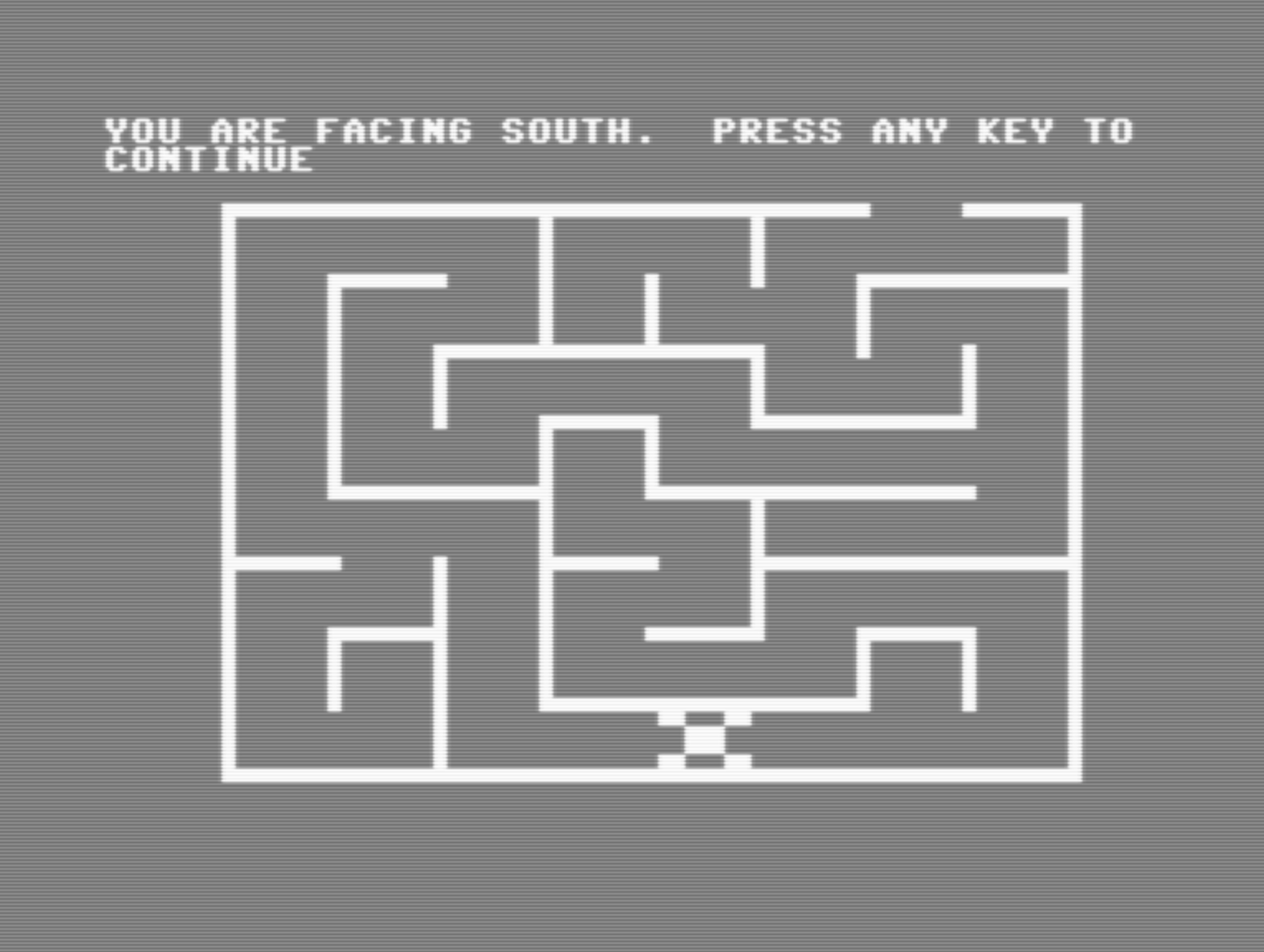
- M – view overhead map
- Once you escape, the game ends and it will display the path that you followed on the overhead map. To play again, type in RUN on a blank line and press RETURN
Article Text
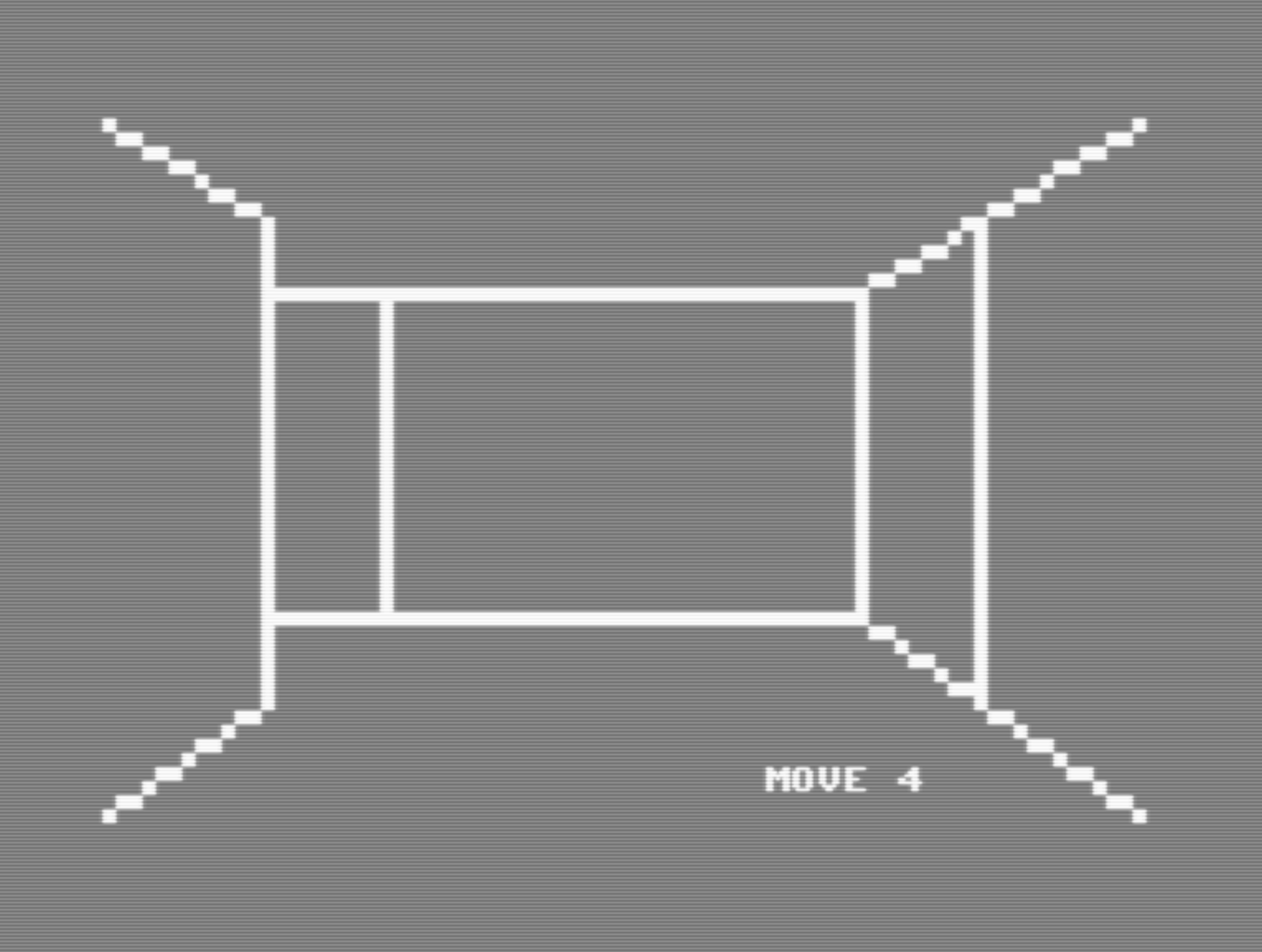
This impressive game makes you feel that you are inside a maze, not just seeing it from above. Three dimensional views appear as hallways, doors, and corners as you struggle to find the way out. It’s for Upgrade or 4.0 BASIC PETs and Commodore 64.
You must find your way through a maze displayed from a rat’s eye view. After you have solved the maze, the program displays the top view and traces your steps.
First, you are asked what maze size you want, up to 15 by 15 (you may wish to change the DIM statement in line 49 add two to the largest dimension you want – and line 43). Line 45 checks to see if the machine code has been POKEd in, so you have to wait for that only the first time.
The space bar is used to move forward, and the “J” and”L” keys are used to turn left and right, respectively (turning doesn’t change your location; it just gives you the view in another direction). The ”M” key will display the top view of the maze, mark your position, and tell you in which direction you are headed.
There are four machine language routines in RATS! (they will all work as is with Upgrade or 4.0 ROMs). LINE, as its name implies, draws a line; this routine is similar to Applesoft’s HPLOT TO or Atari BASIC’S DRAWTO command. PLOT sets the ”hi-res cursor” to the position from which the next line is to be drawn, and plots that point on the screen.
INIT removes everything that is not a letter or number from the screen (thus the quarter-square graphics are erased, but not the “MOVE XX” at the bottom of the screen), and sets all the variables used by the other routines (locations 826-837) to zero.
SCR either loads or saves something to or from the screen. This routine is used to save the screen to memory after the top view of the maze has been displayed the first time, and from then on is used to display the maze almost instantly, so you have to wait only once.
Readers who want a copy of the program (PET version only) without having to type it in may send a blank tape or 8050 disk, an SASE mailer, and $3 to:
Mike Steed
[mailing address]
Editor’s Notes:
- This appears to be the only game development credit for Mike Steed.
- The game was originally written for the PET 4.0 series and then ported to the C64. The primary code from the PET is to be typed in first, and then there are four additional “programs” that are needed for the port. These programs add some new lines (e.g., for sounds), or edit lines in the PET version. The machine language routines are completely different for each computer.
- The program works well and it’s fast, although calling it a “game” feels a bit of a stretch due to a lack of game-elements such as scoring, timers, etc. It feels more like a really cool tech demo. But, semantics. 🙂
- Navigating a maze like this just feels natural nowadays; back in 1983, it would have been quite novel.


/1983-07%20RATS%20-%20Compute%20038%20-%20p54.png)
/1983-07%20RATS%20-%20Compute%20038%20-%20p56.png)
/1983-07%20RATS%20-%20Compute%20038%20-%20p58.png)
/1983-07%20RATS%20-%20Compute%20038%20-%20p60.png)
/1983-07%20RATS%20-%20Compute%20038%20-%20p62.png)