
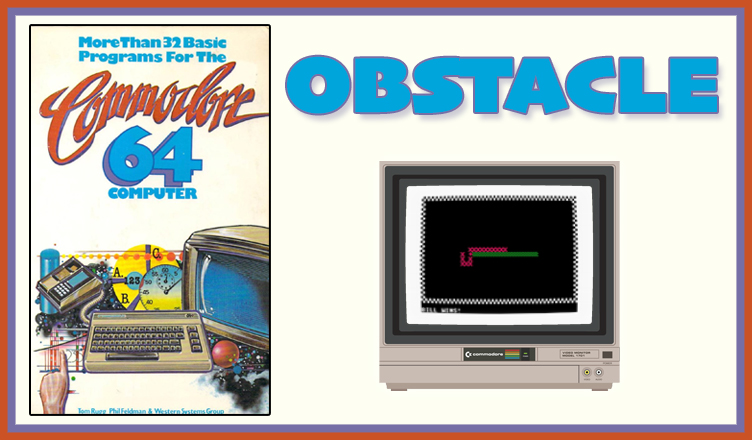
Title – OBSTACLE
System – Commodore 64
Author – Tom Rugg, Phil Feldman, and Western Systems Group
Publication – More Than 32 BASIC Programs for the Commodore 64 Computer (1983)
Page Scans – 1 2 3 4 5 6 7
Preserved by – bdjeffyp
Recommended Emulator – VICE
/obstacle-screenshot1.jpg)
/obstacle-screenshot2.jpg)
Loading the Game –
- Open the Commodore 64 VICE emulator (x64sc.exe)
- Drag the obstacle.prg file onto the emulator window
- The game will load and the title screen appears
Game Instructions:
- When the game starts, the player on the left and right are asked to give their names.
- The title screen is shown, displaying the inputs for each player:
- Left player uses W,A,Z,D to move
- Right player uses @,:,/,= to move
- The game screen shows a walled field with both players on the left and right of the screen.
- Left player is red Xs
- Right player is green checkered pattern
- Player movement starts in a random direction. They leave a trail of their marker on the field.
- Move your player to avoid the walls and the other player until one player crashes into an obstacle.
- When a player wins, text is displayed stating who won and then results of the screen is maintained for a little bit before a new round begins.


/32BASICC64-p177.jpg)
/32BASICC64-p178.jpg)
/32BASICC64-p179.jpg)
/32BASICC64-p180.jpg)
/32BASICC64-p181.jpg)
/32BASICC64-p182.jpg)
/32BASICC64-p183.jpg)