
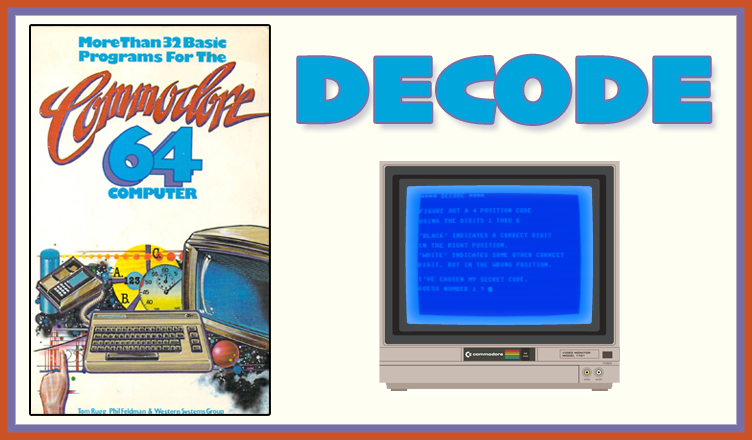
Title – DECODE
System – Commodore 64
Author – Tom Rugg, Phil Feldman, and Western Systems Group
Publication – More Than 32 BASIC Programs for the Commodore 64 Computer (1983)
Page Scans – 1 2 3 4 5 6 7 8
Preserved by – bdjeffyp
Recommended Emulator – VICE
/decode-screenshot1.jpg)
Loading the Game –
- Open the Commodore 64 VICE emulator (x64sc.exe)
- Drag the decode.prg file onto the emulator window
- The game will load and the title screen appears
Game Instructions:
- The title screen gives directions on how to play the game.
- At the prompt, enter a guess of four digits, using numbers 1-6, and press Enter.
- The game tells you how close you are to the correct answer with the following clues:
- Black: this number is the number of digits in your guess that are the correct number in the correct position.
- White: this number is the number of digits that are a correct number in the wrong position.
- Type S and Enter to get a summary of all guesses and the results so far in this session.
- Type Q and Enter to quit the game.


/32BASICC64-p139.jpg)
/32BASICC64-p140.jpg)
/32BASICC64-p141.jpg)
/32BASICC64-p142.jpg)
/32BASICC64-p143.jpg)
/32BASICC64-p144.jpg)
/32BASICC64-p145.jpg)
/32BASICC64-p146.jpg)