
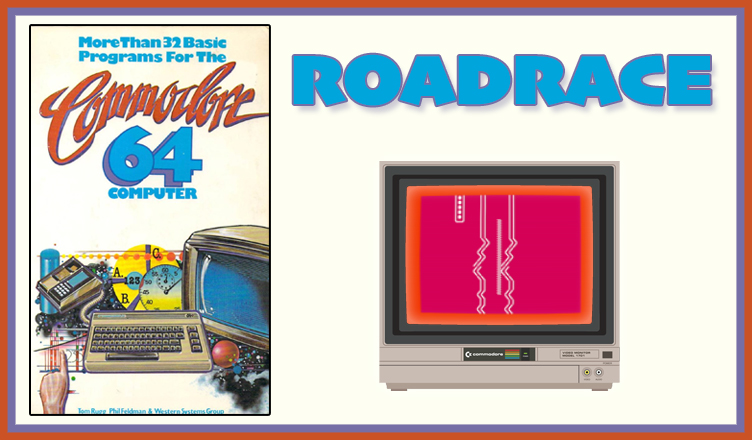
Title – OBSTACLE
System – Commodore 64
Author – Tom Rugg, Phil Feldman, and Western Systems Group
Publication – More Than 32 BASIC Programs for the Commodore 64 Computer (1983)
Page Scans – 1 2 3 4 5 6 7 8
Preserved by – bdjeffyp
Recommended Emulator – VICE
/roadrace-screenshot1.jpg)
/roadrace-screenshot2.jpg)
Loading the Game –
- Open the Commodore 64 VICE emulator (x64sc.exe)
- Drag the roadrace.prg file onto the emulator window
- The game will load and the title screen appears
Game Instructions:
- The game asks for road conditions before starting the race, setting up the game’s difficulty.
- The road width defines how wide the road is. A larger number is easier.
- The visibility determines how close your car is to the bottom of the screen. A larger number is easier.
- After the race starts, the road is drawn ahead at the bottom of the screen and can randomly turn left, right, or continue straight.
- Tap Z or / to move the car left or right, respectively. Press nothing for the car to continue straight.
- Crashing the car into the edge of the road ends the day. The game displays the number of miles traveled for the day.
- Press C to continue the game. This will start a new day for the next leg of the race.
- Press R to start over with new road conditions. The game will state the average miles traveled per day.
- Press Q to quit the game.


/4.jpg)
/32BASICC64-p186.jpg)
/32BASICC64-p187.jpg)
/32BASICC64-p188.jpg)
/32BASICC64-p189.jpg)
/32BASICC64-p190.jpg)
/32BASICC64-p191.jpg)
/32BASICC64-p192.jpg)