
Title – Goblin
System – Commodore 64
Author – Dan Goff
Publication – COMPUTE! Issue 038, July 1983
Page Scans – 1 2 3
Preserved by – eboy71
Recommended Emulator – VICE
Loading the Game –
- Mount the disk image (Compute 038 – Goblin.d64) in your emulator. In VICE, this is done by selecting File → Attach Disk Image
- Load the app by typing LOAD”GOBLIN”,8,1
- Once loaded, type RUN to start
Game Instructions –
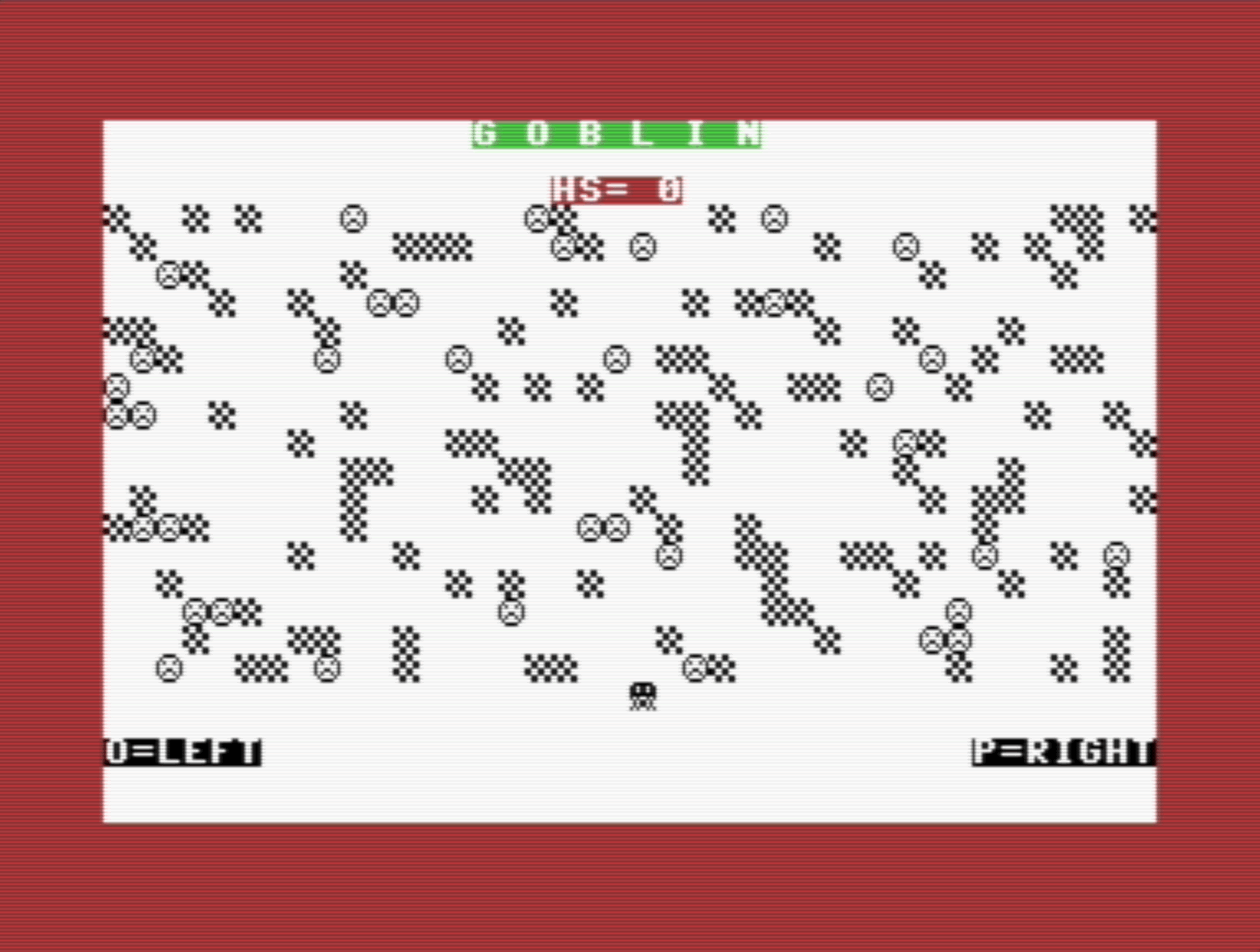
- In Goblin, you control a goblin whose goal is to clear all of the scowling faces from the game board.
- When the game starts, your character appears in black at the bottom of the screen and will begin moving up. You need to move it to over the faces, while avoiding the block-shaped obstacles
- The game is played with 2 keyboard keys:
- O – move left
- P – move right
- Your game ends if you hit an obstacle. If you clear all the faces, the board will reload and you will continue playing.
Article Text
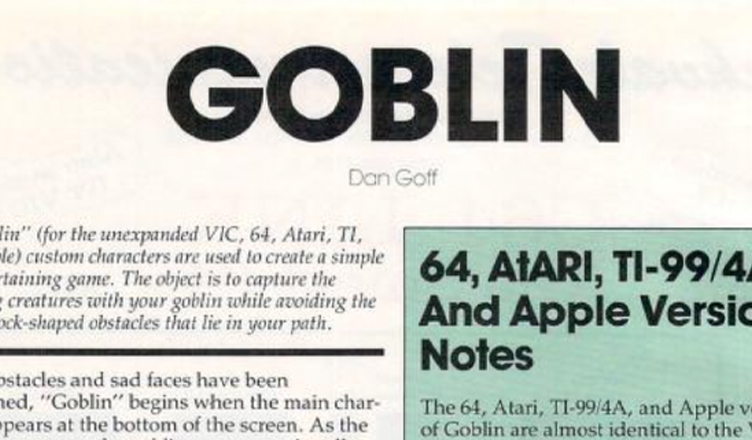
In ”Goblin” (for the unexpanded VIC, 64, Atari, TI and Apple) custom characters are used to create a simple yet entertaining game. The object is to capture the scowling creatures with your goblin while avoiding the many block-shaped obstacles that lie in your path.
After obstacles and sad faces have been positioned, “Goblin” begins when the main character appears at the bottom of the screen. As the game progresses, the goblin moves continually upward and the player controls only its horizontal movement. The “O” and “P” keys, in conjunction with the GET command in line 260, enable the player to move the goblin left and right, respectively. Children especially like the cumulative effect of the GET statement; they make rapid key punches and then wait for the delayed effects.
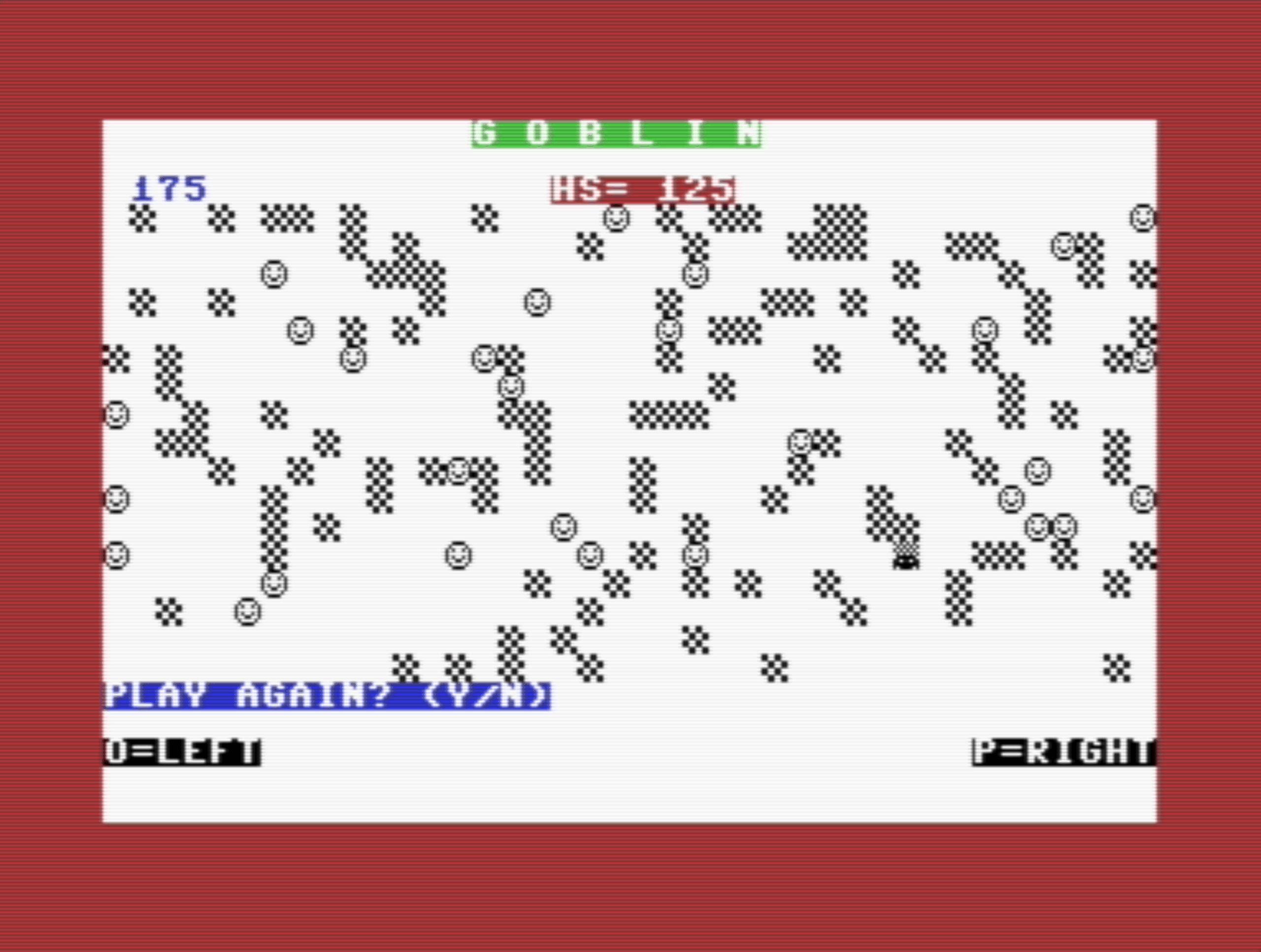
As each sad face is captured by the goblin, the score is updated and printed at the upper left. If the goblin successfully clears the screen of all the faces, an entirely new playfield will be provided. A game lasts as long as you wish.
A single round ends when the goblin crashes into an obstacle. At this point, the remaining sad faces smile, and you are asked if you wish to play again. If you don’t, it is probably best to respond by typing “N” so that full memory is restored to the VIC.
On the other hand, if you play again, your previous highest score will be posted as the new game begins. The incentive to exceed a record score makes any game more fun.
Editor’s Note:
- This appears to be the only game development credit for Dan Goff.
- The game was originally written for the VIC-20 and ported to the Commodore 64. As such, it’s very small and quite simple. But it’s fun!


/1983-07%20Goblin%20-%20Compute%20038%20-%20p64.png)
/1983-07%20Goblin%20-%20Compute%20038%20-%20p68.png)
/1983-07%20Goblin%20-%20Compute%20038%20-%20p70.png)