
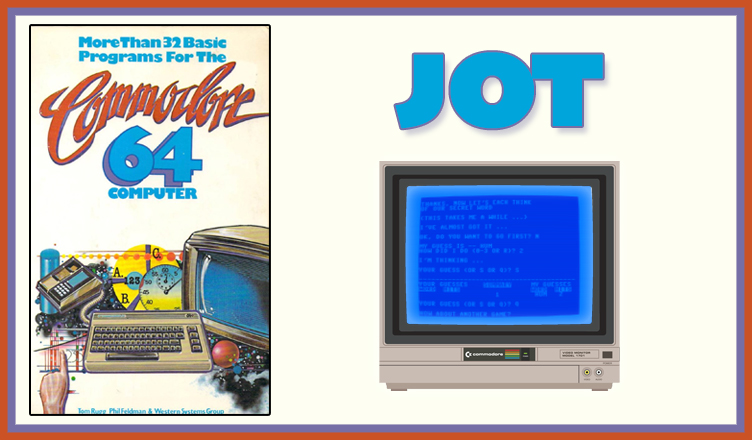
Title – JOT
System – Commodore 64
Author – Tom Rugg, Phil Feldman, and Western Systems Group
Publication – More Than 32 BASIC Programs for the Commodore 64 Computer (1983)
Page Scans – 1 2 3 4 5 6 7 8 9 10 11
Preserved by – bdjeffyp
Recommended Emulator – VICE
/jot-screenshot1.jpg)
/jot-screenshot2.jpg)
Loading the Game –
- Open the Commodore 64 VICE emulator (x64sc.exe)
- Drag the jot.prg file onto the emulator window
- The game will load and the title screen appears
Game Instructions:
- On the title screen, the computer thinks of a secret word for you to guess and tells you to think of one as well.
- Secret words are three letters in length and must be in the list that is on lines 5000-5520.
- Answer Y or N to the question about going first.
- Take turns with the computer making guesses of each other’s secret word.
- When a guess is made, the opposite player tells the guesser how many “hits” they have. A “hit” is when a letter of the guessed word is found in the secret word, order doesn’t matter. Example: Computer guessed “WIN” and your word is “NIL”; your response would be 2 hits.
- On your turn to guess, type S to view a summary of the guesses and hits both players have made thus far.
- On your turn to guess, type Q to quit the game.
- If the computer guesses your word correctly, type R to tell them they’re right. If you guessed correctly, the computer will inform you of your victory immediately.
- If you guess a word not on the list, the game will say “Illegal word”.
- If you provide illogical hits responses, the computer will eventually call you out.
- Once either player has won, the computer will ask if you want to play again. Type N to quit or Y to start over.


/32BASICC64-p165.jpg)
/32BASICC64-p166.jpg)
/32BASICC64-p167.jpg)
/32BASICC64-p168.jpg)
/32BASICC64-p169.jpg)
/32BASICC64-p170.jpg)
/32BASICC64-p171.jpg)
/32BASICC64-p172.jpg)
/32BASICC64-p173.jpg)
/32BASICC64-p174.jpg)
/32BASICC64-p175.jpg)